


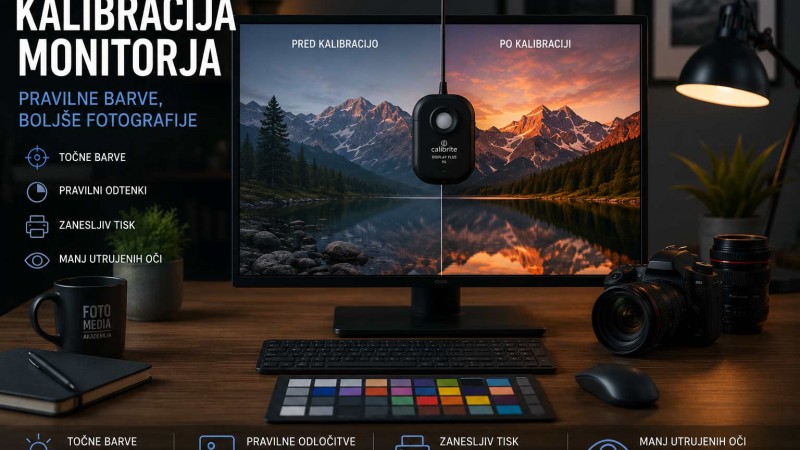
Have you ever noticed that your photos look perfect on one monitor but completely different on another? Or that the printed image doesn't match what you edited on your screen?
The answer is simple: without proper color management, you can never be sure that the colors you see are actually correct.
Many photographers invest thousands of euros in cameras and lenses but overlook one of the most important aspects of digital photography – accurate color reproduction.
Why calibrate your monitor?
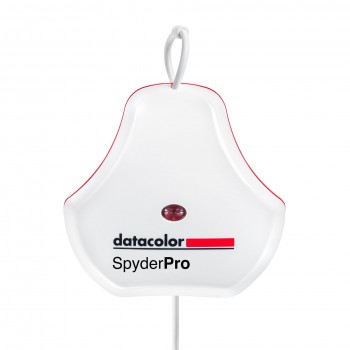
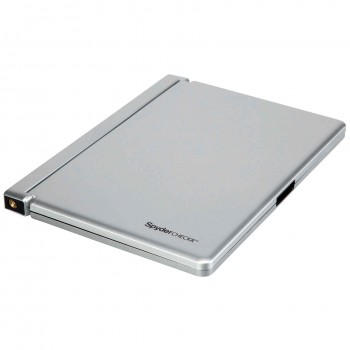
A monitor calibrator measures how your display reproduces colors and creates an ICC profile that ensures Lightroom, Photoshop and other applications display colors accurately.
Benefits of monitor calibration:
- Accurate colors
- Correct white balance
- Proper brightness
- Consistent editing
- Reliable printing results
If you regularly edit photographs or prepare images for professional printing, monitor calibration is essential.
What is a Grey Card?
A grey card is a simple but extremely useful tool for setting accurate white balance.
By photographing the grey card under the same lighting conditions as your subject, you can quickly correct white balance during post-processing.
Grey cards are especially useful for:
- Portrait photography
- Product photography
- Wedding photography
- Studio photography
- Mixed lighting situations
What is a Color Checker?
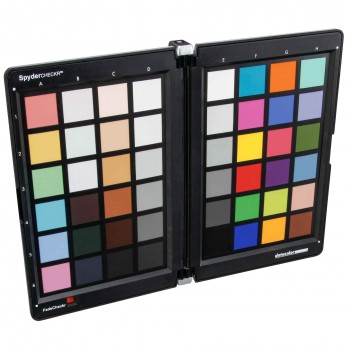
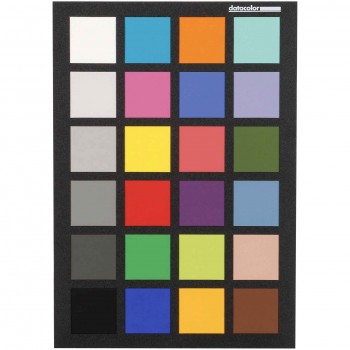
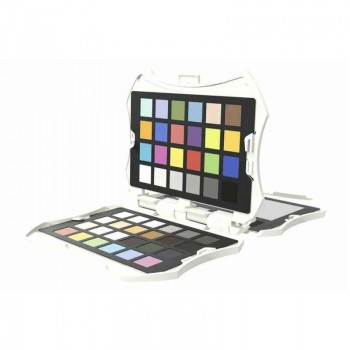
A Color Checker contains precisely manufactured color patches that allow photographers to create custom camera profiles and achieve highly accurate color reproduction.
They are widely used for:
- Product photography
- Fine art reproduction
- Fashion photography
- Commercial photography
- Video production
Which one should you choose?
Hobby photographers
A quality grey card is often enough to achieve much better white balance.
Advanced enthusiasts
A monitor calibrator combined with a grey card provides a reliable color-managed workflow.
Professional photographers
Professionals usually use all three tools:
- Monitor calibrator
- Grey card
- Color Checker
This combination guarantees consistent colors from capture to final print.
Common mistakes photographers make
- Editing on an uncalibrated monitor
- Trusting Auto White Balance in every situation
- Using multiple monitors without calibration
- Preparing images for print without color management
Final thoughts
Good photography is not only about composition and lighting—it is also about accurate colors.
Whether you are a hobby photographer or a professional, investing in proper color management tools will improve your editing workflow, ensure consistent results and make your prints look exactly as intended.
Explore our range of monitor calibrators, grey cards and color calibration tools to build a professional color-managed workflow.
Related Products


Leave a Comment